

Readlang Alternative
Click-to-translate, without the daily cap
Readlang got the core reflex right: click a word, see the translation, keep reading. It's a good idea, running mostly through a Chrome extension, with flashcards picked from word-frequency lists, and phrase translations capped at 10 a day on the free plan. Lira keeps the same click-to-translate habit, with FSRS scheduling each word around how well you actually remember it.
Start reading freeQuick verdict
- ✓Readlang: gets the click-to-translate reflex right
- ✗Readlang: 10 phrase translations a day, free plan
- ✓Lira: no daily cap
Quick verdict
- ✓Readlang: gets the click-to-translate reflex right
- ✗Readlang: 10 phrase translations a day, free plan
- ✓Lira: no daily cap
Self-check
Is Readlang's free cap breaking your reading flow?
4 questions to see if the daily limit is really holding you back.
Question 1 of 4
Do you regularly hit the free plan's 10-translations-a-day cap?
Readlang or Lira: what to keep from each?
Readlang's browser-extension approach is genuinely convenient if most of your reading already happens inside a tab you want translated on the spot. Lira takes a different angle: a standalone app for imported texts, readable on your phone's browser without an extension, with FSRS scheduling built around each word instead of a shared frequency list.
| Readlang | Lira | |
|---|---|---|
| Phrase translations per day, free plan (Readlang caps at 10) | ✗ | ✓ |
| Click-to-translate while reading | ✓ | ✓ |
| Works fully in your phone's browser, no extension | ✗ | ✓ |
| Spaced repetition based on your own recall (FSRS) | ✗ | ✓ |
| Import EPUB / PDF into a personal library | ✓ | ✓ |
| Works directly on any webpage via extension | ✓ | ✗ |
| Free to use | ~ | ✓ |
Tap-to-translate on Lira: a word, then a full expression, saved straight from the text.
Readlang's click-to-translate loop works. The catch sits underneath it. It runs mainly as a browser extension, tied to whatever tab you have open, with limited support for reading away from a desktop browser. Its flashcard system pulls review words from frequency lists rather than tracking how well you personally remember each one. And the free tier caps phrase translations and context explanations at 10 a day, right on the two features you'd reach for most while reading something real. Lira keeps Readlang's best instinct, one click and you're back in the text, and removes the extension, the frequency list, and the daily counter.
What actually gets in the way on Readlang
None of this breaks the core idea. It just adds friction in places you'd rather not think about while reading.
What Lira actually does
Reading that follows you off the browser
Import a text once and it's yours on your phone or your laptop, with nothing tied to a specific tab or extension.
Cards scheduled by your memory, not a word list
Every word you save is scheduled through FSRS, the same algorithm Anki uses, based on your own recall history rather than a generic frequency ranking applied to every learner.
No daily ceiling on translation
Click as many words and phrases as you need. There's no 10-a-day wall on the features that matter most while you're reading.
What you actually see while reading
No extension, no counter running in the background: here's what opening a text and reviewing it looks like day to day.
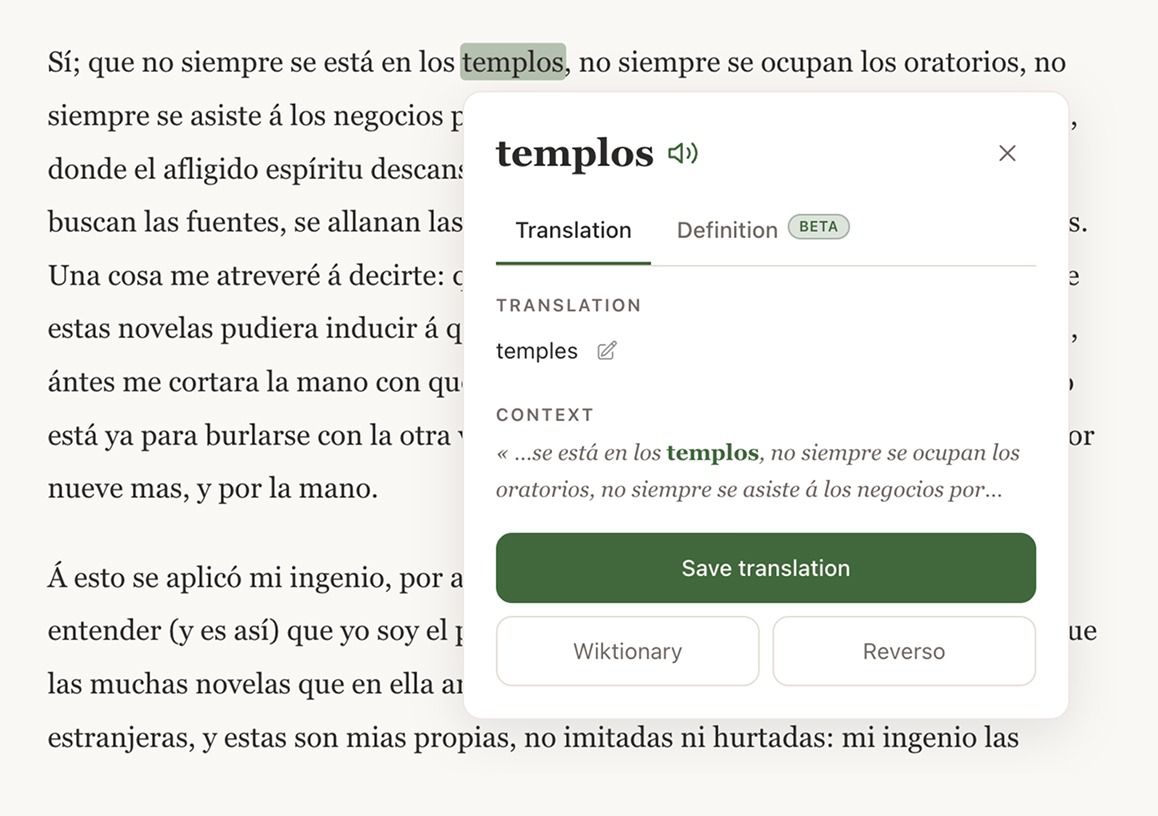
Click a word, no daily limit
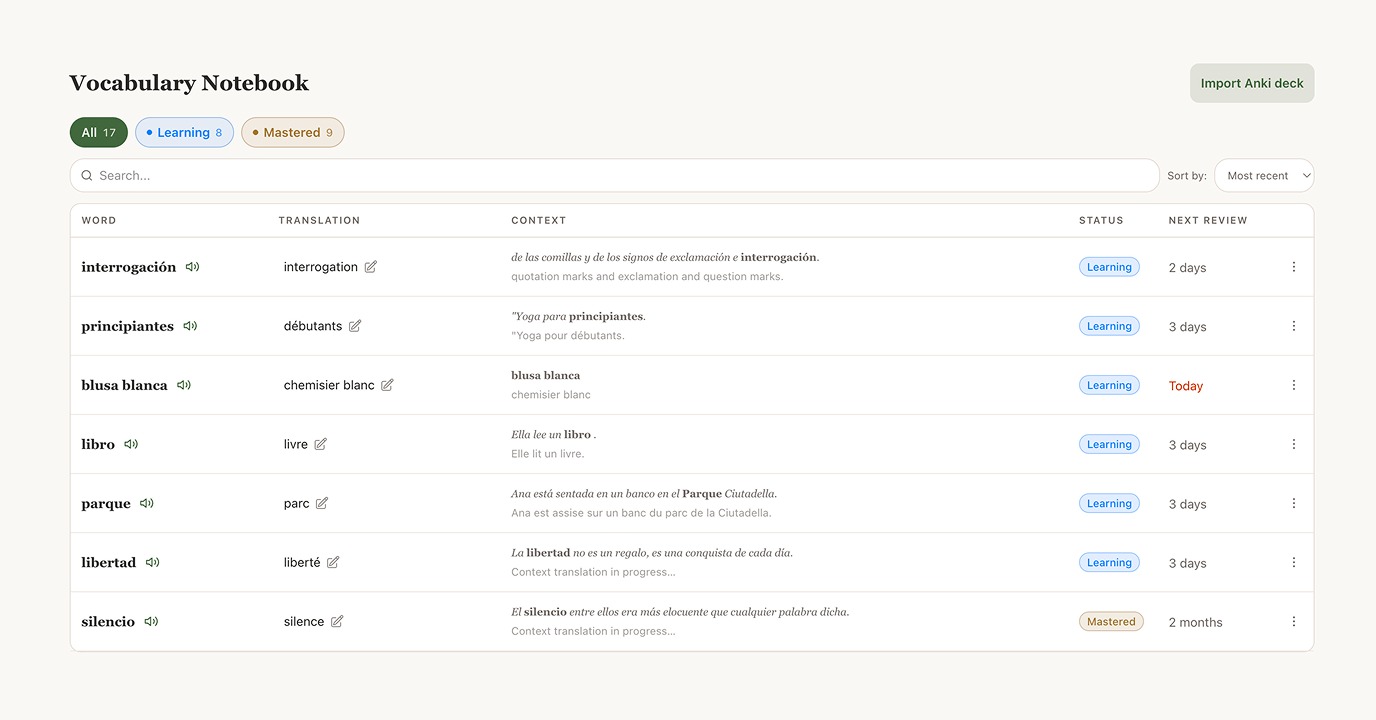
Every saved word keeps its original sentence
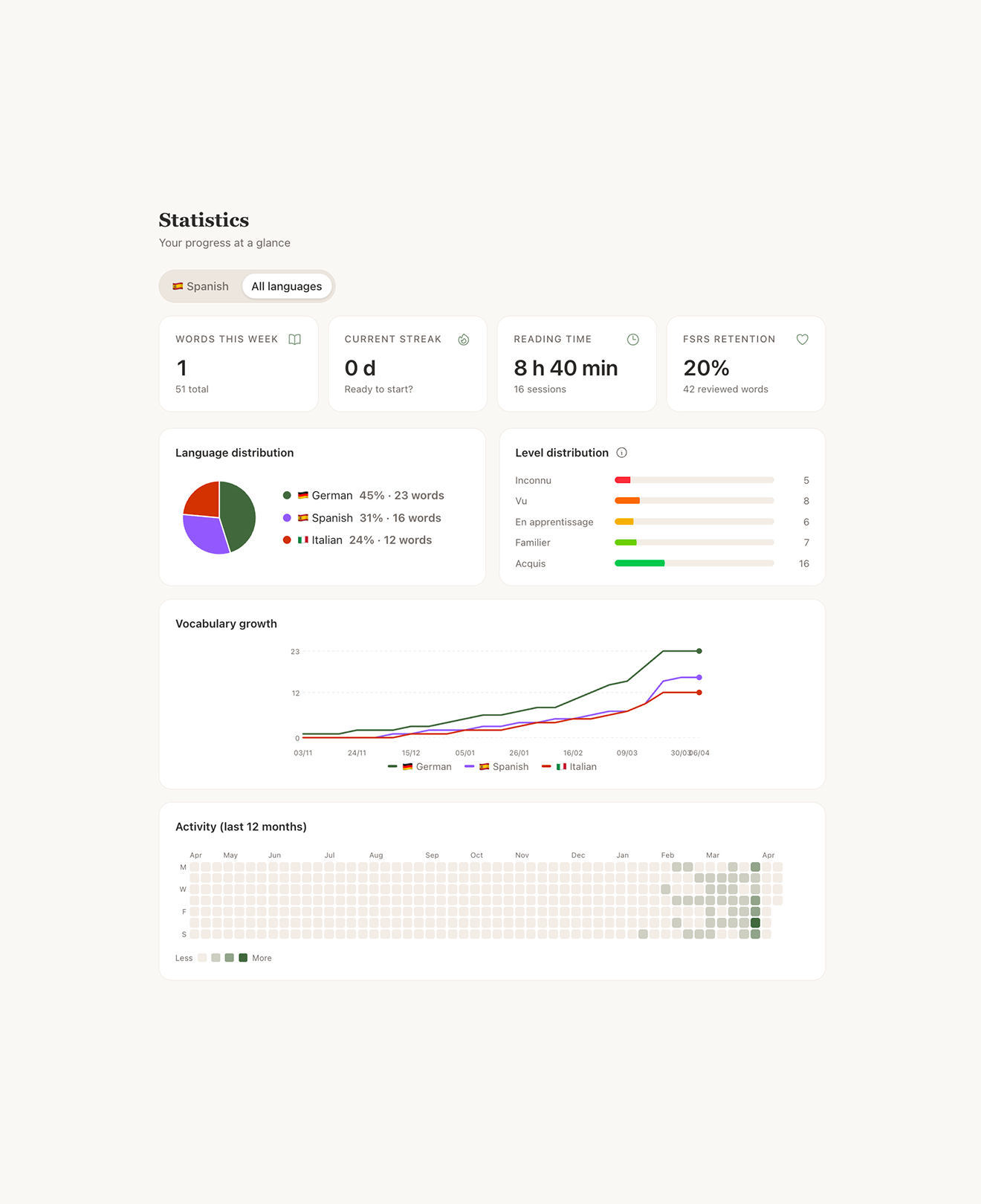
Scheduled by your recall, not a frequency list
The science
Frequency lists versus your own forgetting curve
Picking review words by frequency is a reasonable shortcut: common words matter more on average. But it's a population-level guess, not a measurement of what you personally remember. FSRS (Free Spaced Repetition Scheduler) works the other way around: it tracks each word's individual recall history and brings it back right before you'd forget it. Without a personalized schedule, retention falls off fast no matter how common the word was (the gray curve). With reviews timed to your own memory, it climbs and holds (the green curve).
One more thing worth knowing before you subscribe
Readlang's free plan caps out at 10 phrase translations a day (6 words max each) and 10 context explanations a day — enough to sample the tool, not to read a chapter start to finish. Going past that means Premium at $6/month ($48/year), or Premium Plus at $15/month ($120/year) for the higher-quality AI model. Lira's free plan has no daily translation cap.
Readlang's extension worked fine, but I read on my phone more than my laptop. Lira just followed me there.
Camille, 26
I kept hitting the 10-phrase wall on the free plan mid-chapter. Now I just keep reading.
Marco, 31
My flashcards line up with words I actually struggle with, not a generic common-words list.
Elena, 29
Go further
Learn a Language by Reading: The Complete Guide
How to learn a language by reading real texts: the research behind it, how much reading is enough, and a step-by-step method.
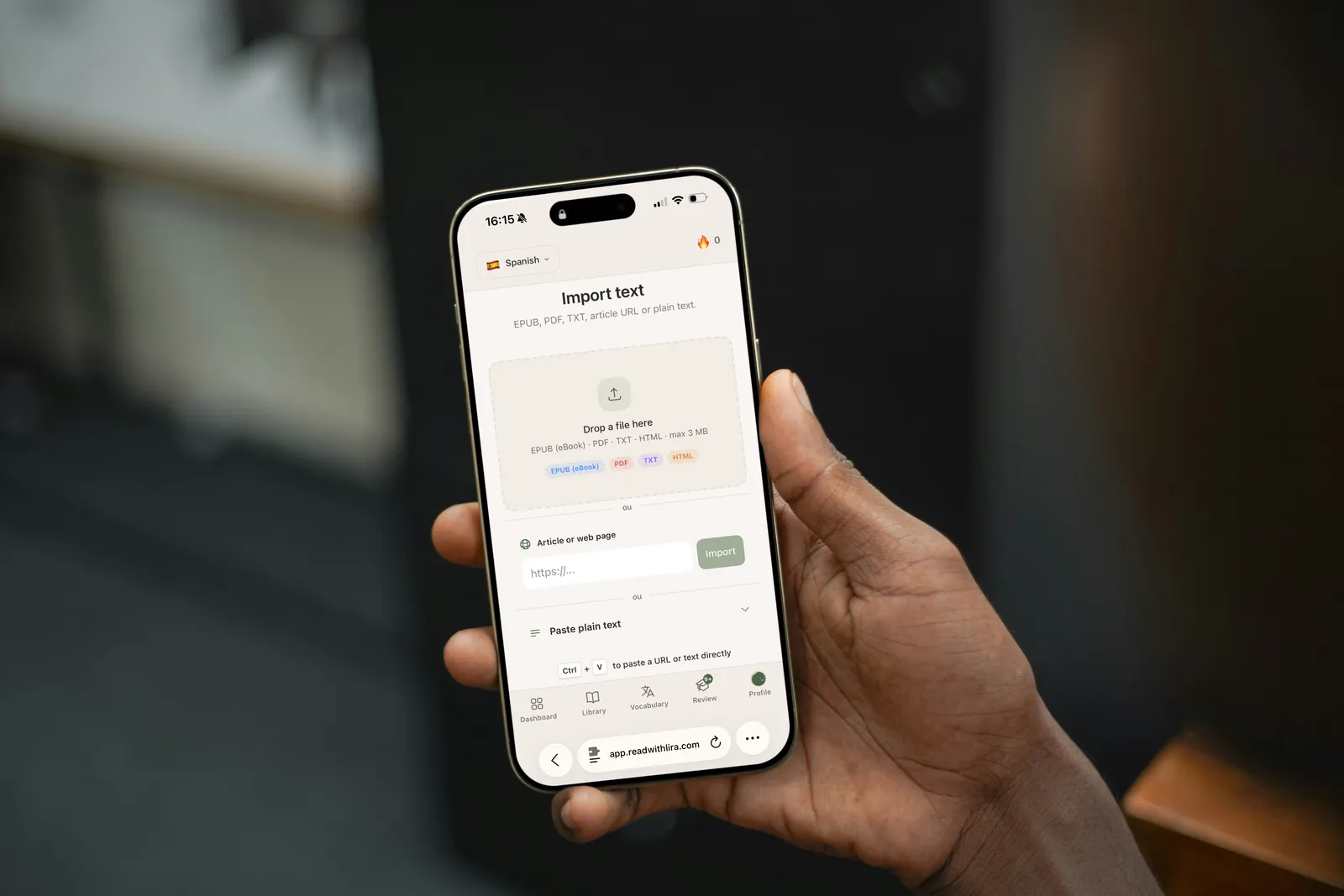
How to Import a Book or Article Into Lira
A step-by-step guide to importing an EPUB, PDF, URL, or plain text into Lira, and how to start reading the right way.

Extensive Reading: The Complete Guide to Learning a Language
Extensive reading means picking texts you already understand at 90-95%. Here's why it works, how to start with Lira, and how to avoid common mistakes.

Same click, no daily limit
Import a text you actually want to read, for free, and click to translate as much as you need.
Start reading free