
Comparison
Readlang alternative: read without free plan limits
What is Readlang, exactly?
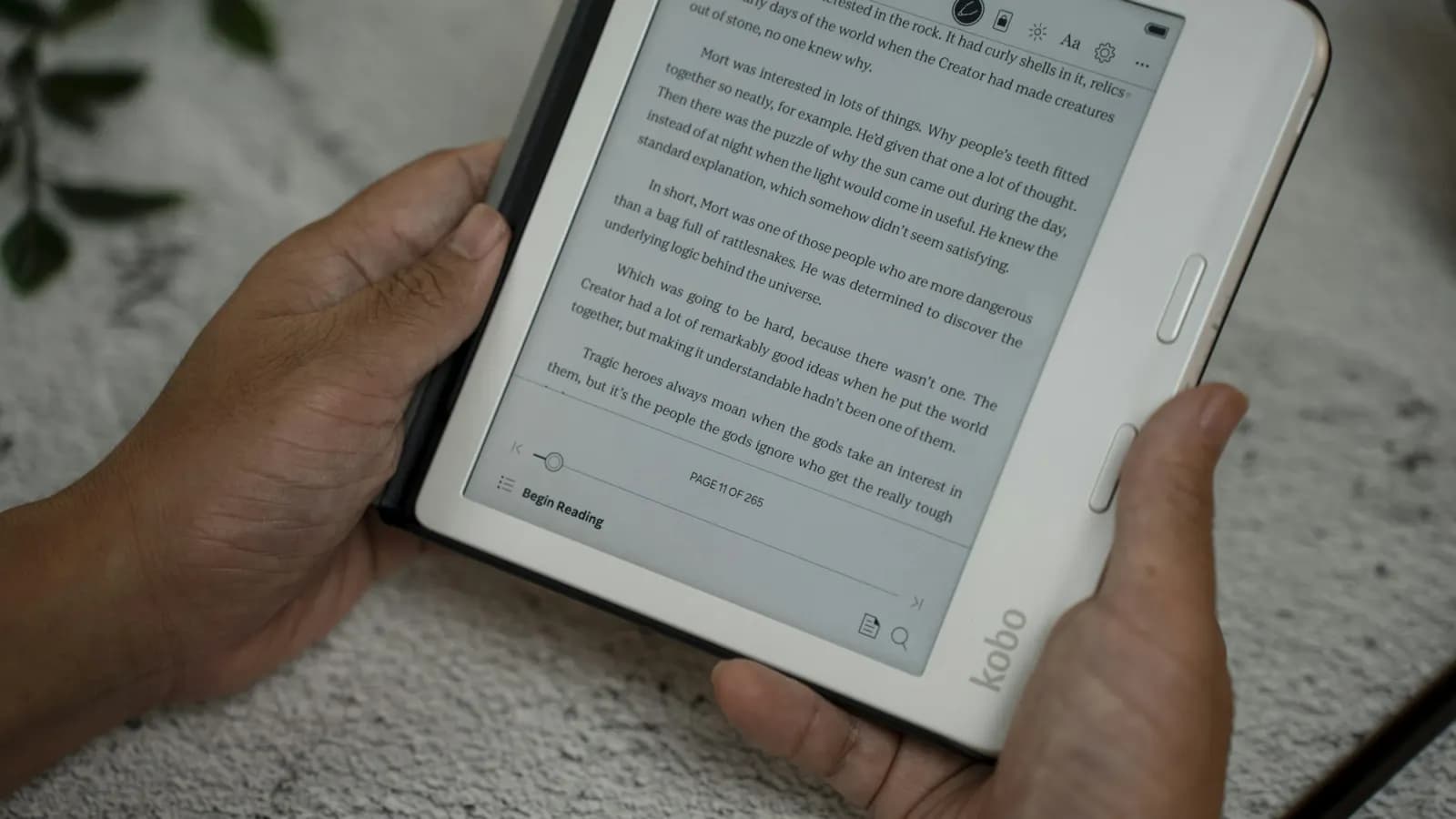
Readlang is an online reader that translates a word the moment you tap it, while you read an imported text or a web page. The tool has been around for years and stays a go-to pick for a lot of self-taught learners, many of whom found it through language-learning forums and blogs.
Three things work well at Readlang. First, its browser extension: it turns any web page into a translatable reading surface, something few competitors offer. You can read a news article, a blog post, or a Wikipedia page in your target language, and tap any unfamiliar word without leaving the site. Second, its language coverage is wide, over 100 languages, including rare ones few apps bother with (Readlang, Features page). Third, Readlang accepts DRM-free EPUB uploads on top of plain pasted text, so you can read real novels rather than texts written specifically for beginners.
The tool also ships a video player with synced transcriptions, useful for practicing with songs or YouTube clips, plus a spaced repetition flashcard system to retain vocabulary picked up while reading. On paper, the offer looks complete, and it explains why Readlang keeps showing up in "best apps to learn a language by reading" roundups even years after launch.
Where Readlang's free plan gets frustrating
Single-word translation stays unlimited on Readlang's free plan. The real friction shows up elsewhere: 10 phrase translations per day (capped at 6 words), and 10 context explanations per day (Readlang, Pricing page). For a reader who runs into an idiom or an ambiguous turn of phrase, that limit gets hit fast mid-read.
The free plan also blocks practicing or exporting flashcards book by book, and offers zero audio storage. The AI model used for explanations is a lighter version too (GPT-4o mini) on the free tier, with the more capable model reserved for premium users.
Upgrading costs $6 a month, or $48 a year (Readlang, Pricing page). That's not expensive on its own, but it's still a dedicated subscription, on top of whatever else you might already pay for language learning tools.
There's another structural limit: Readlang doesn't support PDF import. You need to convert the file to plain text or EPUB before you can read it in the app (Readlang forum, "Upload book from PDF"). If your library is mostly PDFs (academic papers, scanned books), that's a manual step you repeat every time.
There's also a less measurable but real factor: Readlang's interface hasn't changed much visually over the years. The features are there, but navigating between library, reader, and flashcards takes some getting used to, and the overall feel reads as an older piece of software next to more recent reading apps.
Why these limits hit dedicated readers the hardest
An occasional learner, reading a few minutes here and there, probably never hits Readlang's daily quotas. The problem shows up for regular readers: someone working through a full novel quickly runs into several ambiguous expressions per chapter, and the 10-explanations-a-day counter empties fast on a dense literary text.
The book-by-book flashcard restriction on the free plan creates a similar issue. You can collect vocabulary while reading, but not necessarily review it in an organized way without upgrading. For someone building a daily reading habit over several months, that limit hits exactly the moment the app becomes most useful: the consolidation phase, when new vocabulary actually needs reinforcement.
None of this makes Readlang a bad tool. It means the free plan works well for light, occasional use, and starts to feel tight once reading becomes a daily habit rather than an occasional one. That's a normal freemium tradeoff, but it's worth knowing before you build a routine around a tool and hit the ceiling a month in.
How Lira approaches reading differently
Lira starts from the same core idea, translate an unfamiliar word without leaving the text, but builds the rest of the experience around three different choices.
The first is importing real books with no pre-conversion step. You can import an EPUB, a PDF, a URL, or paste plain text directly, no intermediate step required. You can also pick from a library of classics from Project Gutenberg, available for free, without hunting for a file elsewhere.
The second is native spaced repetition with the FSRS algorithm. Every word you look up while reading automatically becomes a review card, scheduled according to a timing model tuned to your memory. Readlang offers flashcards too, but the scheduling system is more basic, and per-book practice is restricted on the free plan.
The third is a crossword game generated from your own vocabulary. Instead of reviewing only in question-and-answer mode, you find the words you've learned laid out in a grid, which varies the practice and keeps review from feeling repetitive over time.
Lira has a lasting Free plan with unlimited translation, reviews, and Anki imports, plus caps on active documents and words saved from reading. Premium removes those caps and adds features including Anki export.
Interface matters here too, even if it's more subjective. Lira was built recently, with navigation designed for daily use on mobile and desktop alike, rather than an interface inherited from an older design. That's not a functional argument on its own, but it matters in daily use, especially if you open the app every day.
None of these choices make the browser extension or the language breadth disappear as reasons to pick Readlang. They just target a different reading habit: importing and finishing whole books, rather than translating scattered pages across the web.
Honest comparison table
| Criteria | Readlang | Lira |
|---|---|---|
| Import formats | Plain text, DRM-free EPUB | EPUB, PDF, URL, plain text, Gutenberg library |
| Languages supported | 100+, including rare ones | French, English, German, Spanish, Italian |
| Browser extension | Yes, read on any site | No |
| Spaced repetition | Flashcards, basic scheduling | Native FSRS, auto-scheduled |
| Vocabulary game | No | Crossword generated from your vocabulary |
| Free plan | Unlimited single words, daily caps on phrases and explanations | Unlimited translation and Anki import, with usage caps |
| Paid plan | $6/month or $48/year | Paid premium tier |
This table sums up a real tradeoff. If you mostly read web pages in a rare language (Croatian, Urdu, or something few other apps cover), Readlang is probably still the more relevant pick today, thanks to its extension and broader language support. If you mostly read real books, in English, German, Spanish, Italian, or French, and want structured review built in natively, Lira covers that ground more directly.
Is switching tools worth it?
The right question isn't which app is "better" overall, it's what format you read the most. A reader who mostly browses news sites or blogs in their target language gets more out of Readlang's browser extension. A reader who wants to work through full novels, essays, or classics, with a review system handling repetition automatically, finds a more direct fit with Lira.
Check our full comparison of language learning apps to see how Readlang and Lira stack up against other tools on the market, like LingQ or Beelinguapp.
FAQ
Can I read a web page directly in Lira?
Yes, you can import a URL directly into Lira, alongside EPUB, PDF, and plain text files. There's no browser extension for tap-to-translate on any site while you browse, though, unlike Readlang.
How much does Readlang cost?
Readlang offers a free plan with unlimited word translation but daily caps on phrases and context explanations. The premium plan costs $6 a month or $48 a year (Readlang, Pricing page).
Does Readlang support PDF files?
No. Readlang accepts plain text and DRM-free EPUB files, but not PDFs directly. You need to convert the file before importing it (Readlang forum). Lira accepts PDFs with no conversion step.
Can I export my vocabulary from either tool?
Readlang lets you export your words to Anki. In Lira, your vocabulary stays tied to native FSRS spaced repetition and the built-in crossword game, designed to keep you inside the app rather than exporting elsewhere.
Does Readlang support more languages than Lira?
Yes, by a wide margin. Readlang claims over 100 languages, including rare ones. Lira currently focuses on five languages: French, English, German, Spanish, and Italian. If you're learning a less common language, Readlang remains the more suitable option for now.
For any other questions about supported languages or formats, check our FAQ or get in touch.
Claire
Editor at Lira, self-taught in 3 languages, she tests every method or tool before writing about it.
Start reading in your target language
Import a book, an article, or pick a free classic, and Lira translates unknown words as you go.
Start for freeRelated articles

How FSRS spaced repetition works in Lira
FSRS calculates the optimal review interval for every word you learn. Here's exactly how that works in Lira, word by word.
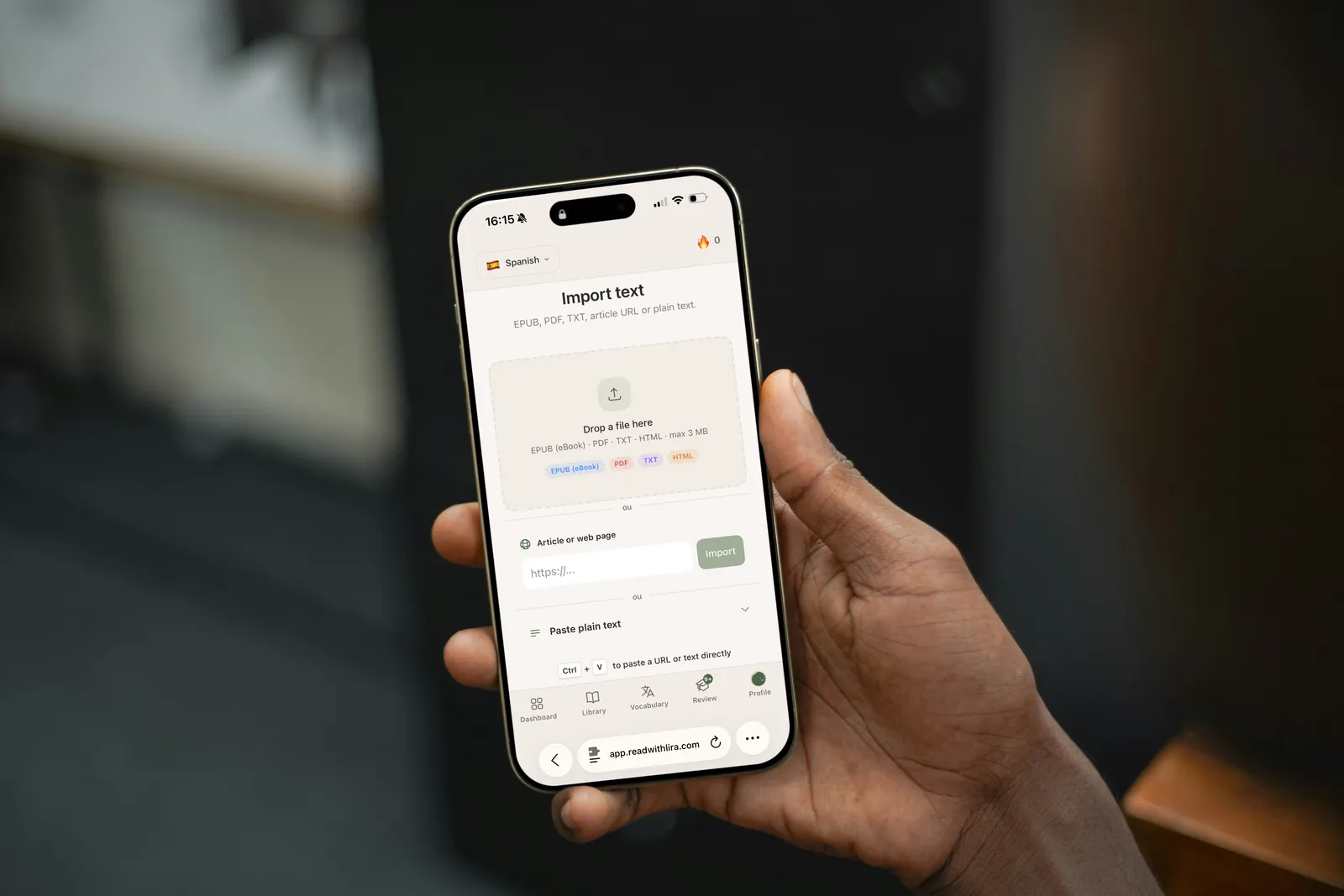
How to Import a Book or Article Into Lira
A step-by-step guide to importing an EPUB, PDF, URL, or plain text into Lira, and how to start reading the right way.
The Duolingo Plateau: Why You Stall (and How to Fix It)
Finished the Duolingo tree but still can't read a simple article? Here's why the plateau happens and how Lira helps you move past it.